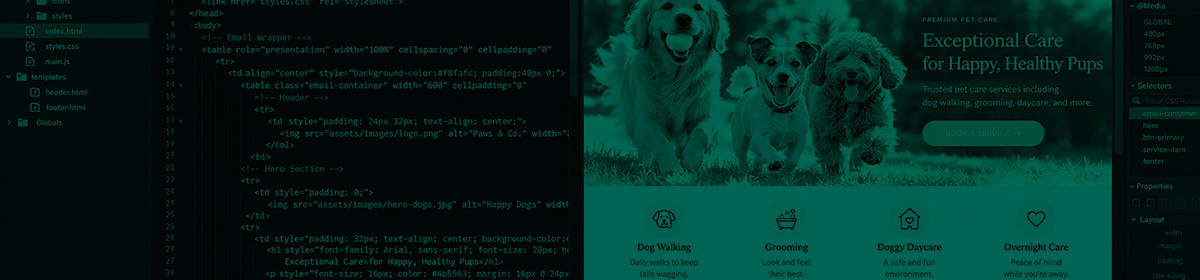

From HTML and CSS to landing pages and website maintenance, making the web work.
I’ve worked with Adobe Dreamweaver for years, using it to build, edit, and maintain websites and landing pages for a variety of projects. From creating campaign-specific landing pages to updating existing websites, it’s been one of the tools I’ve used to bridge the gap between visual design and the code that makes everything work.
My experience includes working with HTML and CSS, modifying layouts, updating content, managing images and links, troubleshooting formatting issues, and making sure pages look and function the way they’re supposed to.
Over the years, I’ve worked on web projects for advertising agencies, technology companies, and clients including Dell and Spiceworks. These projects have involved everything from promotional landing pages and marketing campaigns to ongoing website maintenance and content updates.
While Dreamweaver has been part of my toolkit, my web production workflow has expanded to include WordPress, other content management systems, and a variety of platforms and development tools.
Coming from a background in graphic design and digital advertising, I’ve always enjoyed the process of taking a visual concept and turning it into something functional on the web.
For me, Dreamweaver represents one part of a much broader experience in website production—understanding how design, content, and code come together, and knowing how to keep everything working as it should.