

Simple animations, smart timing, and a little movement that makes a difference
Not every animation needs to be a big production. Sometimes the challenge is making a small banner ad stand out, communicate a message, and get someone to click—all in just a few seconds.
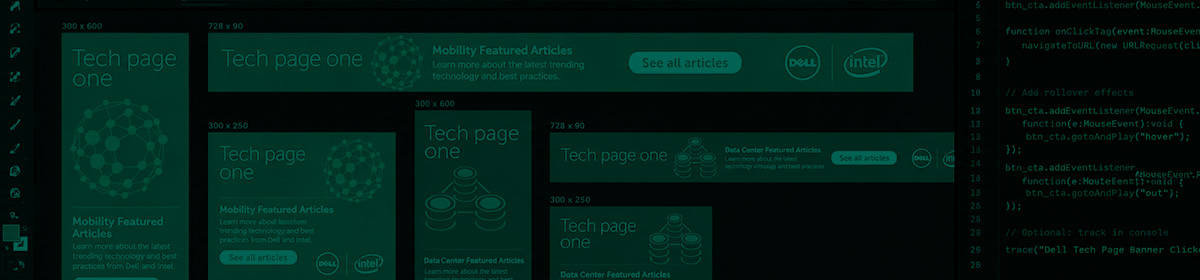
I’ve used Adobe Animate primarily for creating animated banner ads and interactive advertising elements, bringing together graphics, typography, motion, and simple functionality for digital marketing campaigns.
My work includes building animated sequences, incorporating ClickTags, creating call-to-action buttons, and preparing ads to meet the technical requirements of different advertising platforms.
While the animations themselves are often fairly simple, there’s still a lot to consider. Timing, transitions, readability, file sizes, and making sure everything works properly are all important parts of the process. A banner might only run for a few seconds, but every frame needs to do its job.
With my background in motion graphics, graphic design, and digital advertising, I enjoy finding ways to make even the smallest animations feel polished and purposeful.
Adobe Animate is one of several tools I’ve used to bring digital advertising to life, particularly when a project calls for lightweight animation and interactive elements.
It’s not always the flashiest work in my portfolio, but there’s something satisfying about taking a handful of graphics, adding a little movement, and turning them into an ad that works.